Activities
Every event, deliverable and mission, from plan to proof
Plan each activity under the results it serves, run it, and collect the evidence as you go.
- Invited
- 64from 14 administrations
- Registered
- 38 of 50places, RSVP closes in 7 days
- Programme
- 6 blocks3 parallel sessions, 2 days
- One event
- 7 tabsfrom programme to follow-up
How it runs
From plan to proof
An event has a start and an end. This is how it runs in Convenor, from the first draft to the evidence in your report.
- 01
Plan
Create the activity from its result or work package. Its results, budget lines and required proof come with it.
Result: Linked to the logframe - 02
Programme
Drag blocks and parallel sessions into place, with speakers confirmed and the gender balance on stage.
Result: One programme for all - 03
Invite
One RSVP link with your banner, reminders on your schedule, and a calendar entry that moves with the event.
Result: Replies per person - 04
Check in
At the door, in a room view guests use themselves, or online. Walk-ins in seconds.
Result: The attendance list - 05
Close
Send the thanks and the feedback form, and close the event once the evidence is complete.
Result: Evidence for the report
Walkthrough
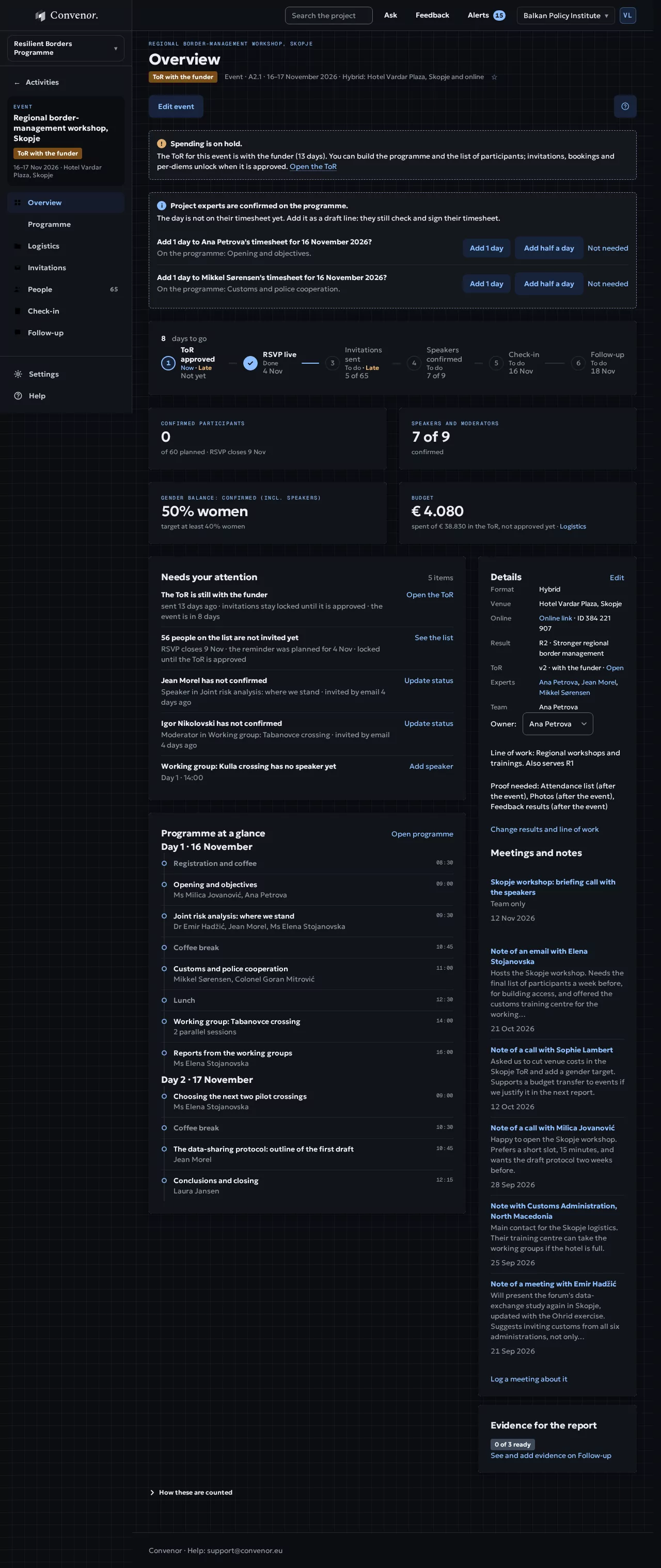
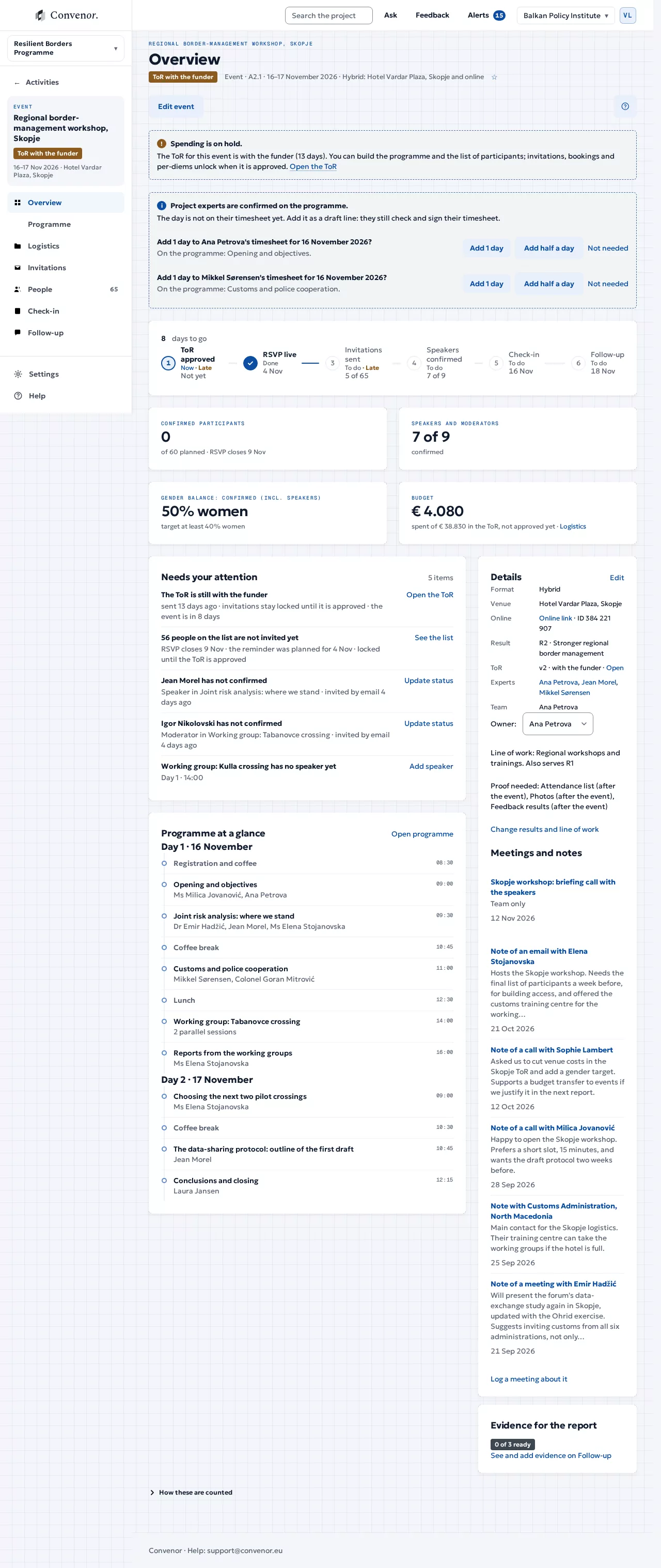
See it in action
An event from plan to proof.
Every activity sits under its result, as in your logframe.
In detail
Everything it does, in plain terms.
Day to day, for the people who run the project, and the evidence it leaves behind.
Plan
- Create activities from a result or work packageImport the logframe once. Each new activity takes its results, budget lines and required proof from the result or work package it serves.
- Keep one calendarEvents, missions, meetings, report deadlines and due dates side by side.
- Approval when your contract needs itSwitch the ToR approval on or off per activity. When it is on, as under PRAG service contracts, bookings and invitations wait for the funder’s approval.
Before the event
- Shape the programmeDrag blocks and parallel sessions into place. Track each speaker and moderator as invited, confirmed or declined, and ask them for their bio, photo and slides.
- Handle the logisticsLog contracts, quotes, invoices and expenses against the budget lines, keep the documents with them, and share to-dos with the team.
- Invite and remindOne RSVP link with your banner and logos, an invitation email with attachments, and automatic reminders and confirmations on your schedule.
On the day and after
- Know who is comingEveryone involved in one list with their status and role, with their answers alongside. Export the list of participants in one click.
- Check people inAt the door, in a room view guests use themselves, or online from the meeting report. Walk-ins in seconds.
- Follow up and closeSend the thanks and the feedback form when you are ready, see the results by gender and country, and close the event when the evidence is complete.
Steering committees and deliverables
- Prepare the steering committeeThe papers on the agenda come from the record: the progress note, the workplan. Send them to every member in one go, ten working days before.
- Minutes and decisionsMinutes are drafted from the agenda. Each decision gets an owner and a date, and stays on the list until it is done.
- Deliverables and missionsVersions, comments and approval for each deliverable; mission reports drafted from the meetings logged on the mission.
Next step
See it with your own project
Thirty minutes, with a project like yours.