Contract manager view
Keep your contract manager informed, without the email
Share progress, ToRs and reports with the funder's contract manager through one read-only link.
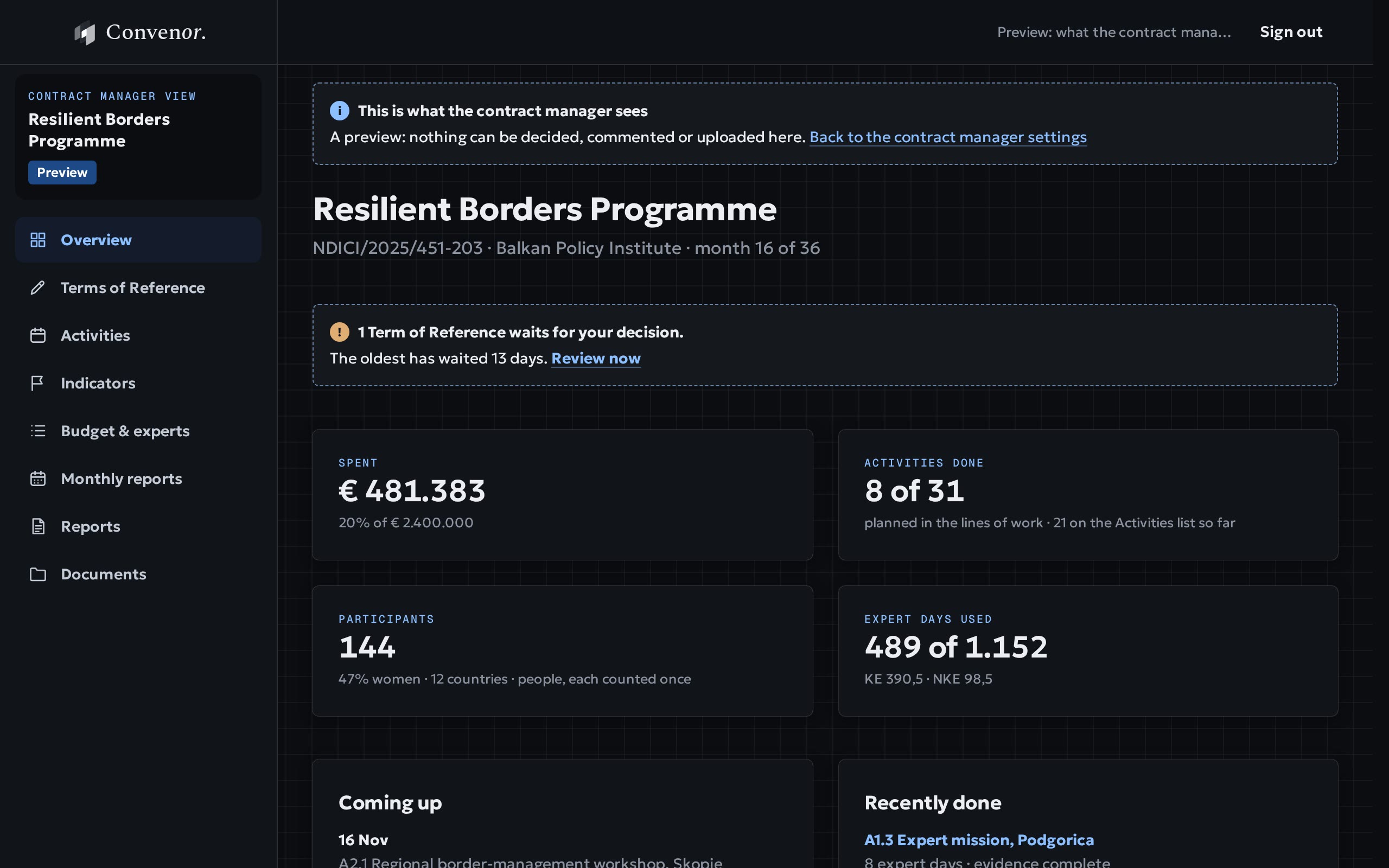
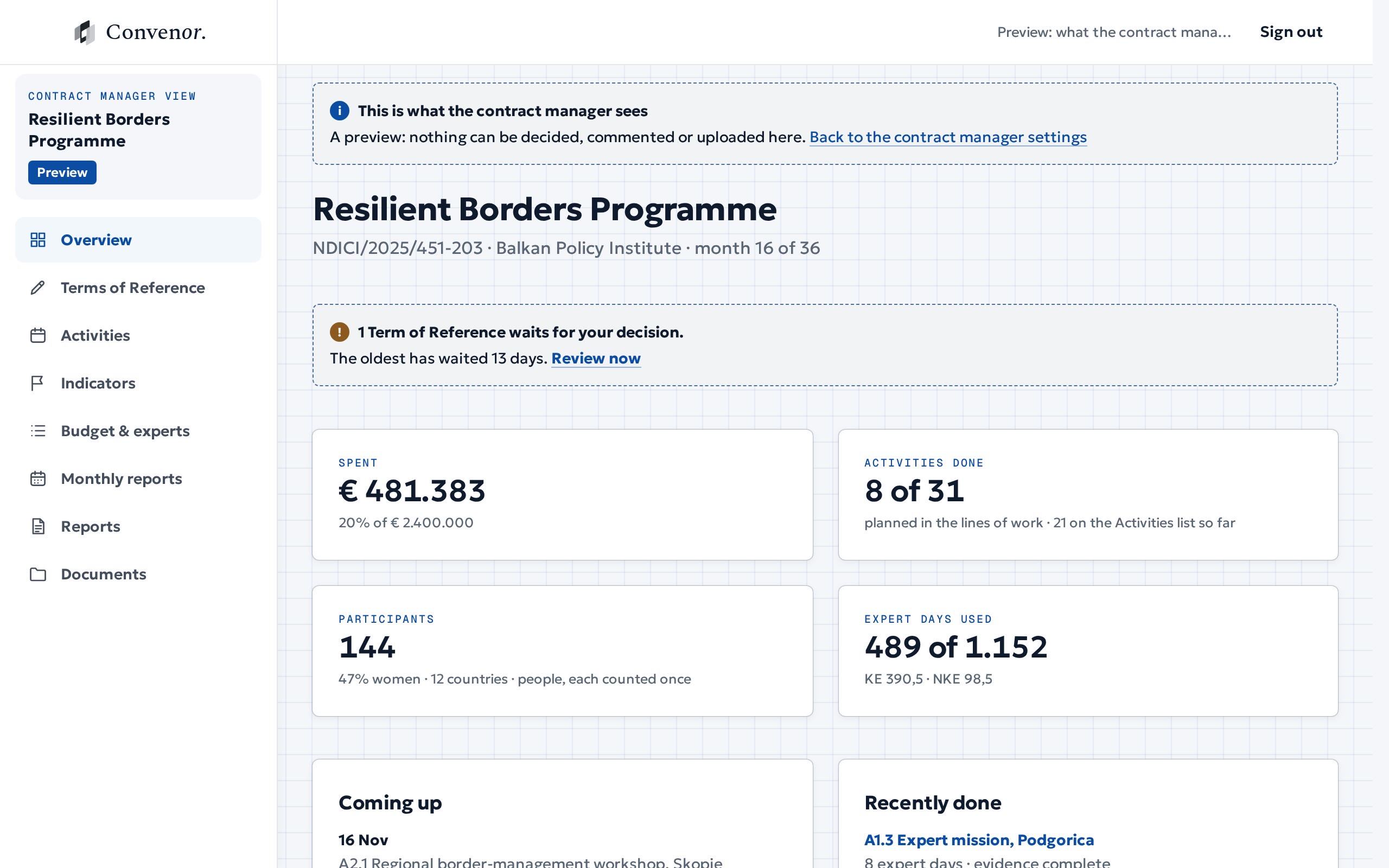
- Activities done
- 14 of 38shown as they close
- Participants
- 61246% women, no names shown
- Indicators on track
- 7 of 9straight from the logframe
- Waiting on the funder
- 2 itemslongest for 14 days
How it runs
One link instead of email threads
Your contract manager follows the project when it suits them, and approves where the contract asks for it.
- 01
Share
Send one read-only link. Nothing to install, and free for them.
Result: Access by link - 02
Follow
Spending, activities done, participants and indicators, always current.
Result: Live progress - 03
Decide
ToRs are approved in their view, recorded with the date and their name.
Result: A decision on record - 04
Comment
Questions on a report stay with the report, not in an inbox.
Result: Answers in one place - 05
Verify
At verification, the auditor gets read-only access to the evidence.
Result: Evidence on request
Walkthrough
See it in action
What your contract manager sees.
Your contract manager follows the project through one link.
In detail
Everything it does, in plain terms.
Day to day, for the people who run the project, and the evidence it leaves behind.
Share
- One link, read onlyYour contract manager signs in with a link. Nothing to install.
- Only what they needProgress, ToRs, indicators, budget and reports. Never internal notes or personal data.
- Free for themContract managers use Convenor at no cost.
Decide
- Approve ToRs in their viewTheir decision is recorded with date and name, and unlocks the activity.
- Comment on reportsQuestions stay with the report, not in an inbox.
- A log of every decisionExportable, for the audit.
Stay in control
- You choose who sees itGive or withdraw access at any time.
- Counts, not namesAttendance shows numbers; names stay with your team.
- Always currentThey see the live record, not a copy sent last month.
Next step
See it with your own project
Thirty minutes, with a project like yours.