Results & reporting
Show your impact, and report it without the scramble
Participation, reach, feedback and indicators, computed from the record, and reports drafted from the record.
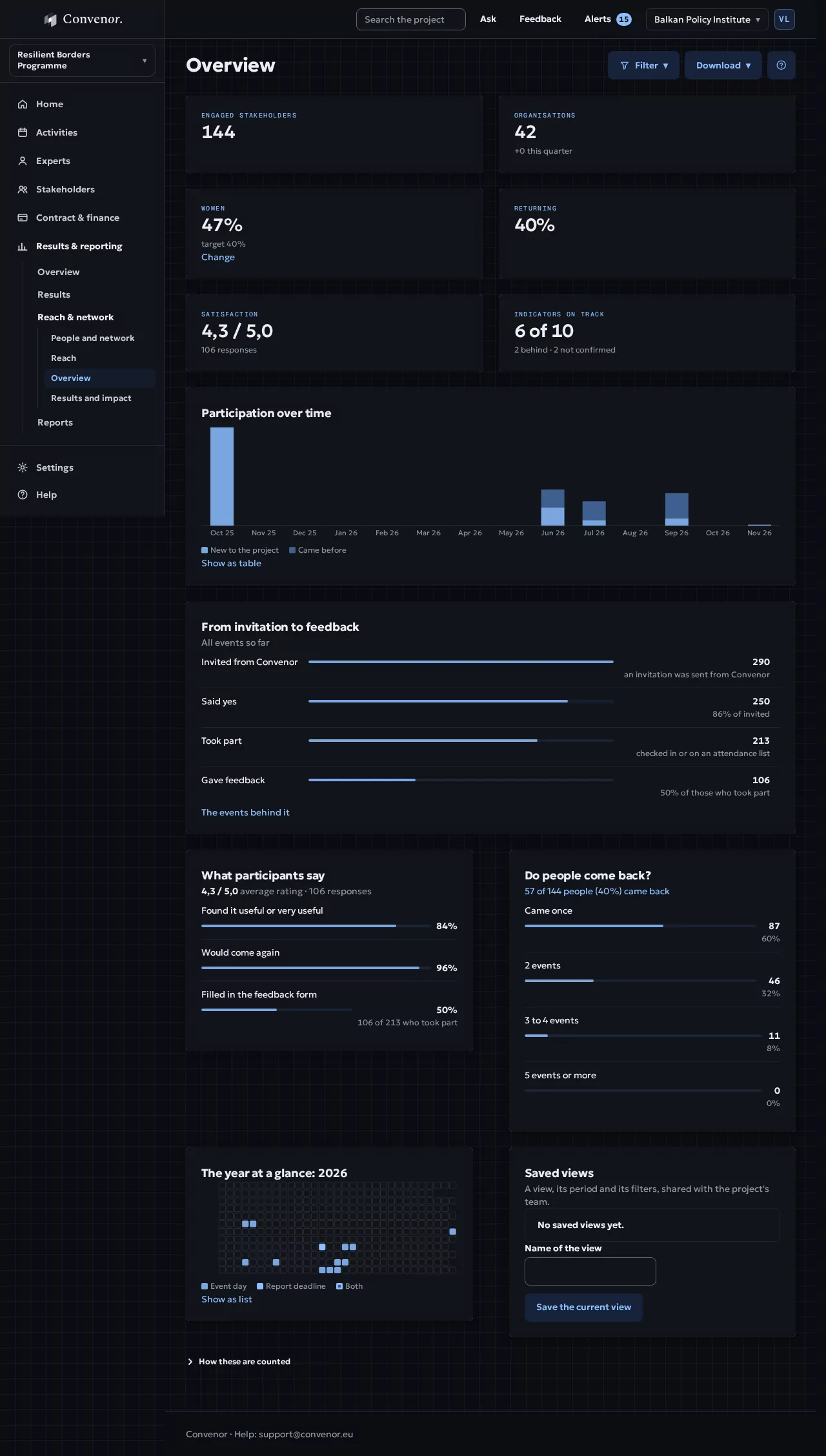
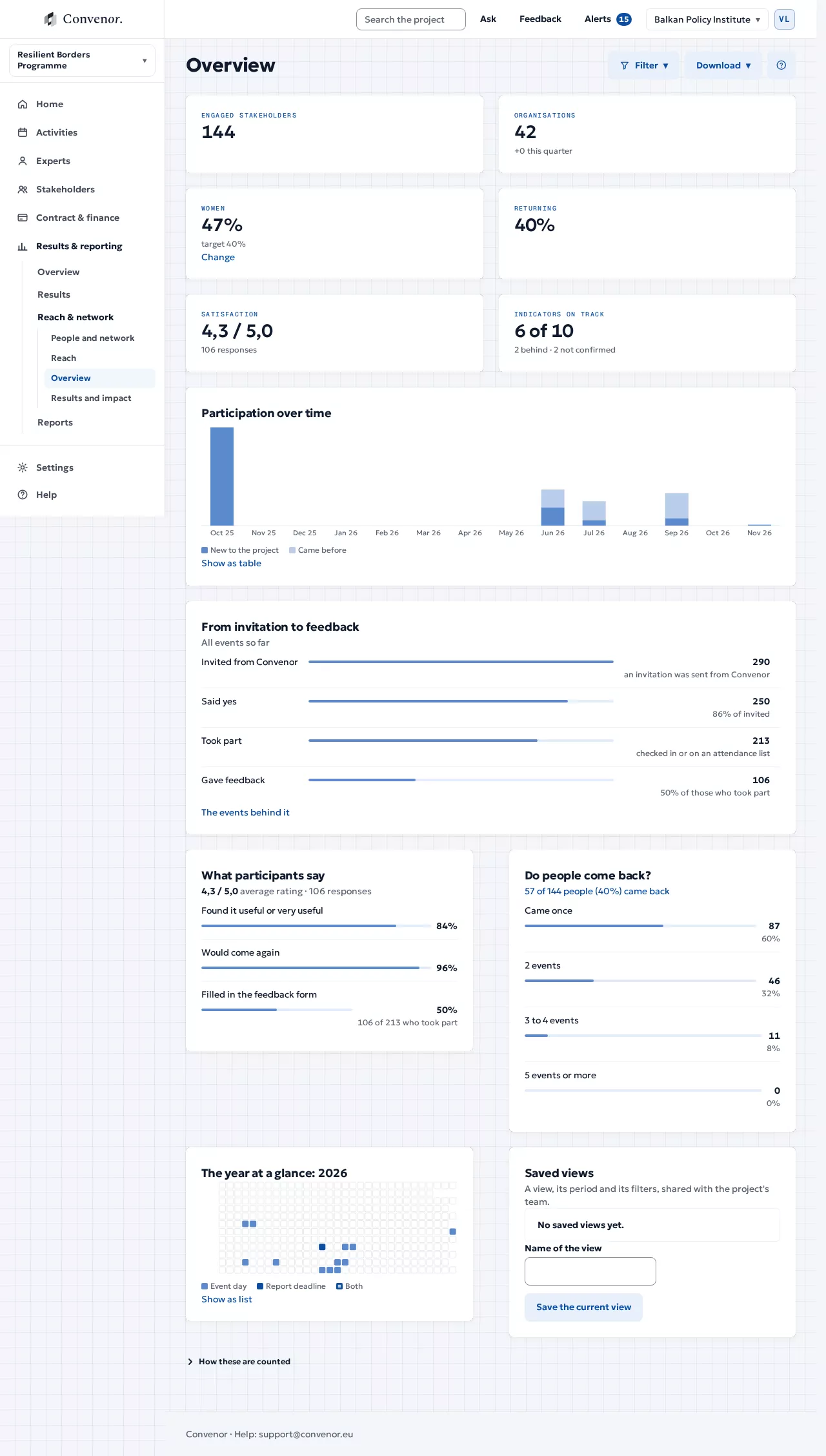
- Engaged stakeholders
- 612each person counted once
- Organisations
- 8412 new this year
- Women
- 46%target 50%
- Indicators on track
- 7 of 92 behind, flagged
How it runs
Figures as you go, reports from the record
Nothing is counted by hand at the end. The figures grow as the project runs.
- 01
Record
Check-ins, feedback forms and deliverables are logged as they happen.
Result: One record - 02
Measure
Indicators fill themselves, with baseline, target and the proof behind them.
Result: Indicators on track - 03
See who you reached
Participants by gender, country and sector, each person counted once.
Result: Reach, broken down - 04
Draft
Each report section opens drafted from the record, with a list of what is still missing.
Result: A draft report - 05
Export
The logframe matrix, the OPSYS sheet and the financial report, ready to upload.
Result: Ready for the funder
Walkthrough
See it in action
Figures as you go, reports from the record.
Every indicator, with its progress, kept current by the activities.
In detail
Everything it does, in plain terms.
Day to day, for the people who run the project, and the evidence it leaves behind.
Reach
- ParticipantsTotals and trends across all activities.
- DisaggregationBy gender, country, sector and type of organisation.
- GrowthNew stakeholders reached, per period.
Results
- Indicators on trackBaseline, target and current value, with the evidence behind them.
- DeliverablesWhat is approved and published, with views and downloads.
- FeedbackSatisfaction and what people say they will use.
Share
- Export in one clickFor the report, a steering committee or your own board.
- A read-only view for the funderProgress without extra reporting.
- Per periodWhole project, a reporting period, or a year.
Report
- Blockers firstSee what is missing weeks before the deadline.
- Each section drafted from the recordSummary, activities and results start filled in. Reviewers comment per section, and a check lists what is missing before you submit.
- The whole bundle, checkedNarrative, finance, logframe, timesheets, attendance and evidence of EU visibility.
Logframe
- Indicators with their proofReadings proposed from the record, confirmed by you, with a trend and the full history.
- Sources of verificationLinked to attendance, publications and uploads.
- Export for the funderThe logframe and indicator tables, ready to upload.
Close the project
- A closing checklistFinal report, verification, final invoice and handover.
- Read-only access for the funderYour contract manager follows progress, the auditor sees the evidence, without email.
- Retention you chooseKeep for the required period, then delete.
Next step
See it with your own project
Thirty minutes, with a project like yours.